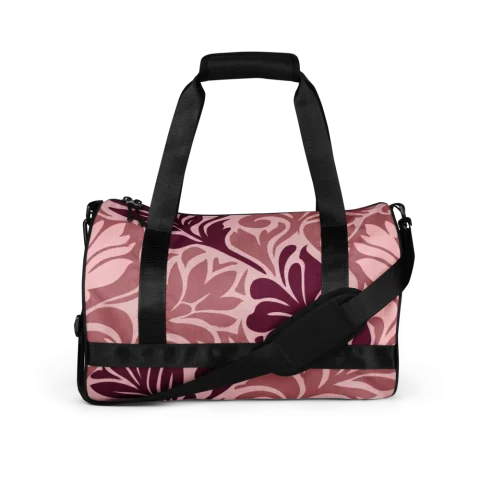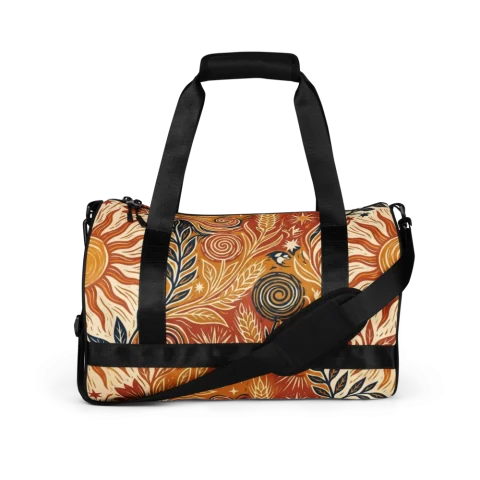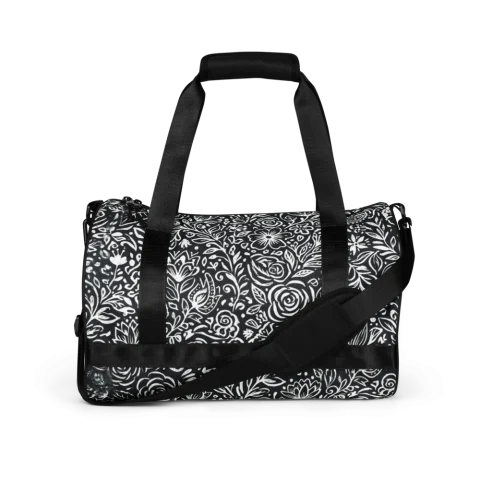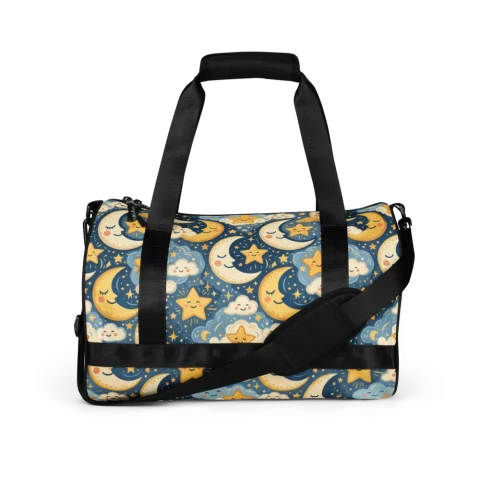
You do not need to be a textile designer to create a custom backpack or tote that looks premium. You need a clear style theme, a good color scheme, and a few quick quality checks.
Step 1: Choose a style theme
Select a style lane: minimalist neutrals, lush botanicals, bold geometries, or playful motifs. Avoid mixing too many directions.
Step 2: Generate and tile your pattern
Ensure your pattern tiles smoothly. Preview it on a square mockup to check scale and crop layout.
Step 3: Select products for your space
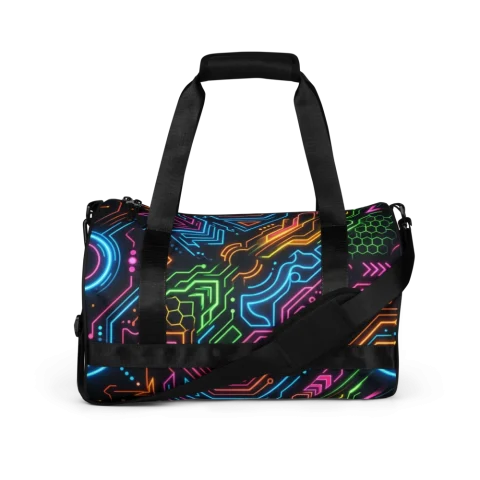
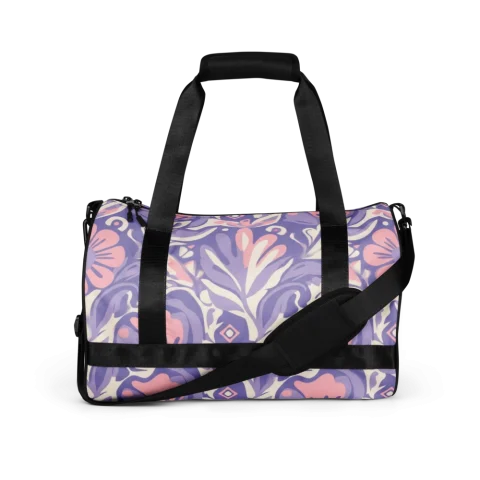
Decide whether a travel duffle, a commuter backpack, or a lightweight crossbody bag works best for your daily routine.
Step 4: Check your colors
- Verify that your colors coordinate with your style.
- Check readability of high-contrast elements.
- Ensure the design wraps neatly around the seams.
Step 5: Preview and save
Check the mockup generator to see your bags placed on virtual models before final order.
FAQ
Can I design if I can’t draw?
Yes! The pattern generator creates professional repeating designs from text descriptions.
Can I make matching sets?
Yes, save your design to your library and apply it to any product in our catalog.
Which bag is best for students?
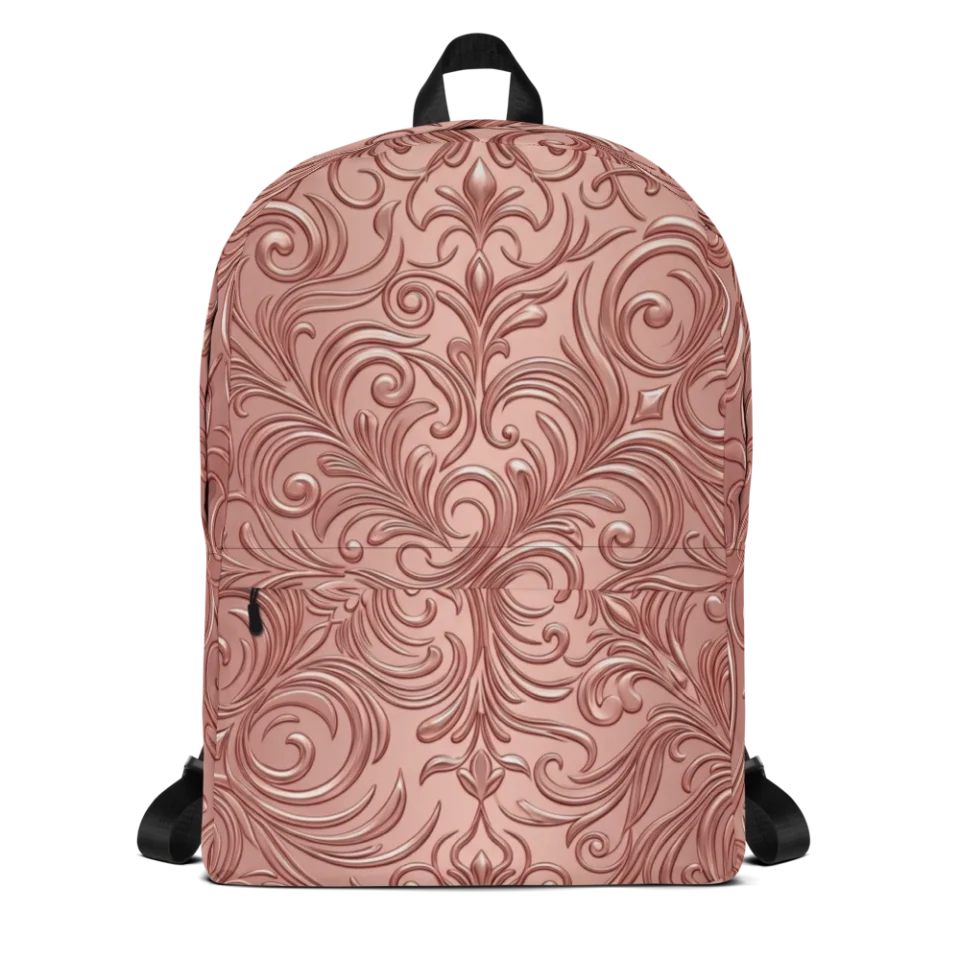
Our standard backpack has a laptop sleeve and organizers, making it ideal for school and campus carry.
Start your flow at Create your own bag. Browse inspiration on Discover and compare options in Products.